Requirement 6: Image file names must follow the specified format
Image file names must be named according to:
[Image name]_ch[channel index]_tile[tile row index]-[tile column index].[suffix]
Where the different colors specify a format group and brackets specify a variable input. Where the different colors specify a format group and brackets specify a variable input. Channel and tile specifications are optional and should only be used if images are single-channel and/or require stitching. Check below for examples of correct and incorrect image names.
Note that the groups must appear in the exact order shown.
The format groups are:
- Image name: required group that refers to the name of the sample and/or image region. Images for different cycles and/or channels and tiles are sorted and connected by the image name. The registered and merged image will be named using the image name.
- The input can be written with all symbols except for a hyphen, ‘-‘.
- The sequences ‘_ch’ and ‘_tile’ cannot be written within the input.
- Channel index: optional group if channels are saved into separate, single-layered gray scale images. The group specifies which channel index the image is for.
- The group is initialized by ‘_ch’.
- The first channel must have index zero.
- The index must be written with numbers.
- The index can be written with zeros before the actual index number, for example index 1 can be written as ‘_ch1’, ‘_ch01’, ‘_ch001’ and so on.
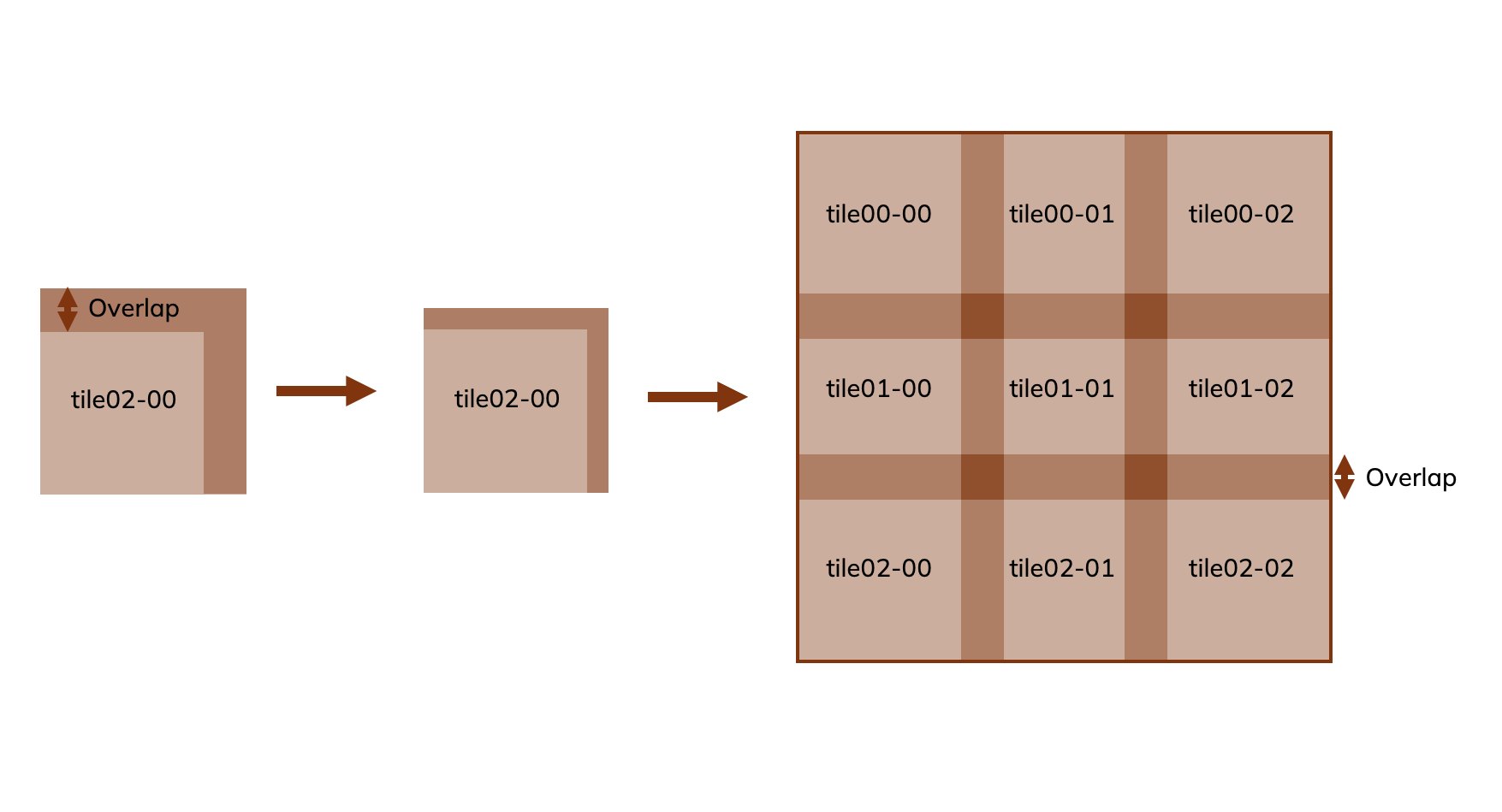
- Tile row index and tile column index: optional group to specify the tile position for unstitched images. Please note that requirements for image stitching are noted at the end of this section.
- The group is initialized by ‘_tile’.
- The first row and column indexes must have index zero.
- The indexes must be written with numbers.
- The indexes can be written with zeros before the actual index number, for example the tile in row 1 and column 1 can be written as ‘_tile1-1’, ‘_tile01-01’, ‘_tile001-001’and so on.
- Suffix: required group for file extension, e.g. ‘.tif’.
Examples of correct file names:
‘Experiment1_Slide01.tif’
‘Experiment1_Slide01_tile00-00.tif’
‘Experiment1_Slide01_ch00.tif’
‘Experiment1_Slide01_ch00_tile00-00.tif’
Examples of incorrect file names:
‘Experiment1_Slide01 _tile00-00_ch00.tif’ – Channel and tile specifications are in the wrong order
‘Experiment1_Slide01ch00tile00-00.tif’ – channel and tile specifications are found by ‘_ch’ and ‘_tile’, resulting in ‘ch00tile00-00’ being misinterpreted as part of the image name.
Recommendation 1: Run the pipeline on data with the same panel
Only combine data from one panel per image registration to reduce the risk of mixing up assay names.
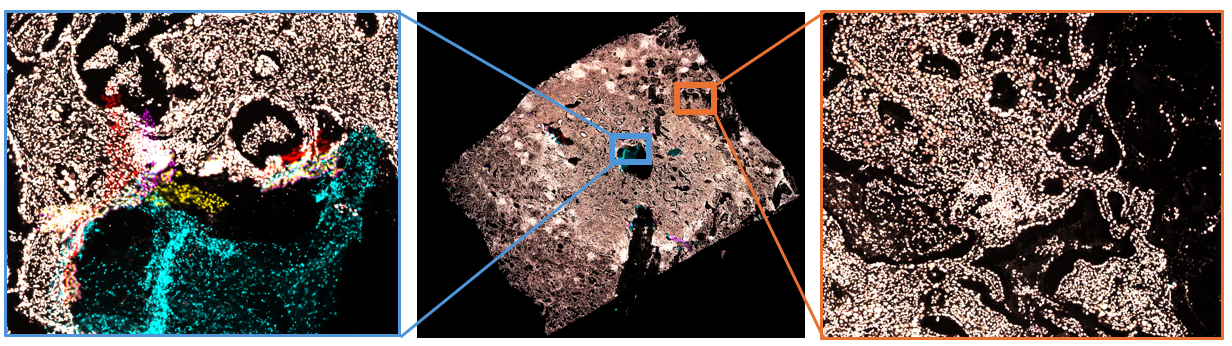
Recommendation 2: Image different samples and/or fragmented samples in separate regions
If there are multiple samples on a slide, or if a single sample has been severely fragmented, use several distinct imaging areas instead of one large scan. Smaller scanning areas greatly improve image registration quality.
Recommendation 3: Use a computer with high CPU and RAM
It is recommended to use a computer with high-performance CPU and more RAM. The computer might run out of memory during registration for large images if not enough RAM is available.
Minimal RAM specification: 16GB
Requirement for image stitching:
Stitching is supported for single layered, single channel and non-pyramidal, images of the following format:
- .tif
- .tiff
- .ome.tif
- .ome.tiff
- .btf
[1] Discrepancies between images can be handled by running the pipeline several times. Discrepancies between cycles requires custom scripts.

 in the taskbar and click on it. Skip ahead to Section 4.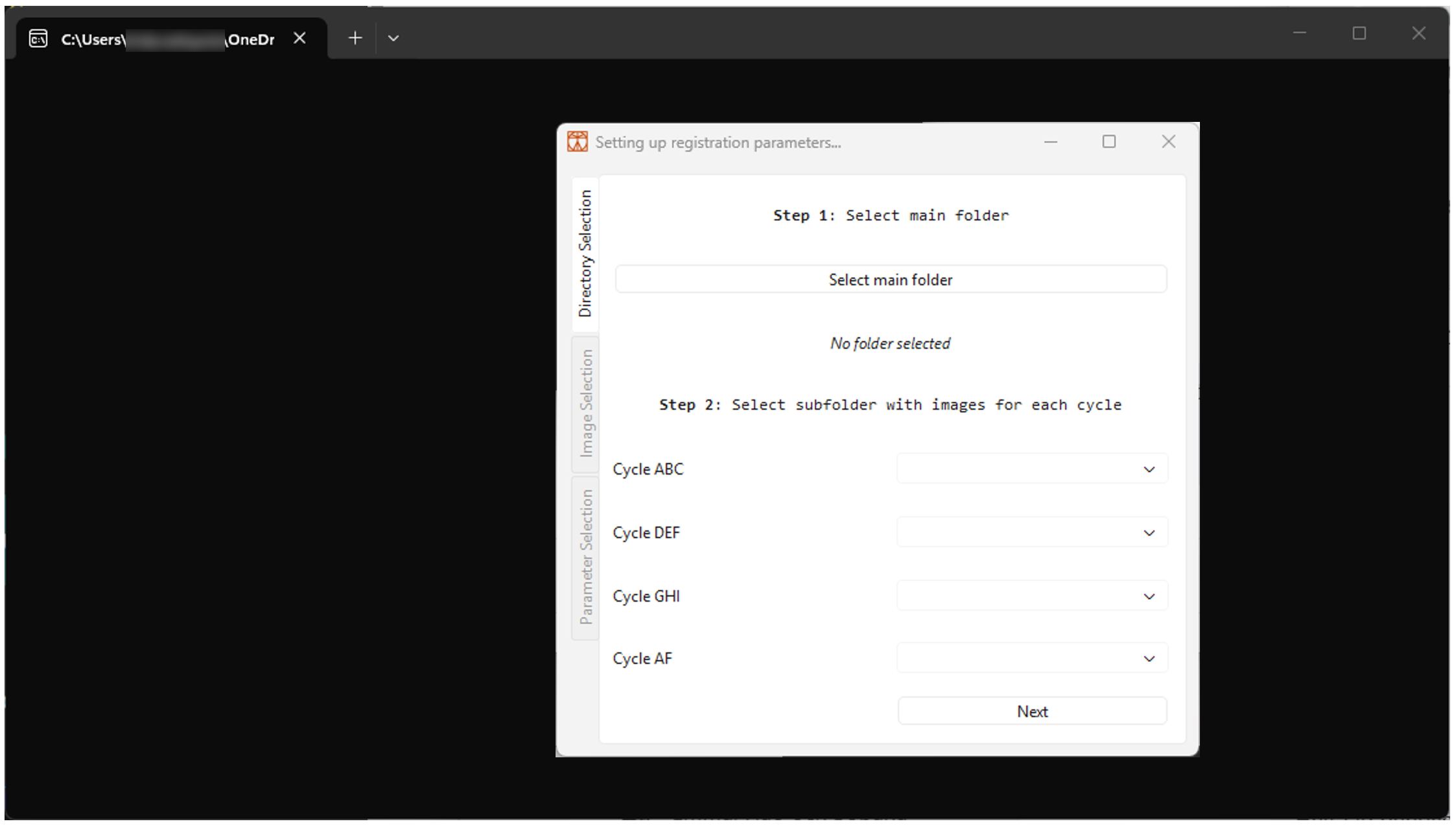
 .
. in the taskbar and click on it.